Let’s discuss the question: how to bypass google lock on samsung galaxy s9 plus. We summarize all relevant answers in section Q&A of website Linksofstrathaven.com in category: Blog Finance. See more related questions in the comments below.

How do I bypass Google verification on my Galaxy S9 without a computer?
- Make sure you connect with Wi-Fi before you get in Google sign in page.
- Tap on “Email or phone” and keyboard will pop up. …
- Input any letters and hold on these letters to select them. …
- Download FRP APK in your Android phone and install it. …
- Click “…”
How do I remove a Google account from my Samsung Galaxy S9 after factory reset?
To remove a Google account from your phone, you can go to Settings > Accounts > Google and tap the menu button in the top right corner. Select “Remove Account. How do I remove a Google account from my Samsung Galaxy S9 after factory reset? First, you need to sign in to your Google account.
Samsung S9 Plus Frp Unlock/Bypass Google Account ANDROID 10 Without Pin Lock Sim 2020
Images related to the topicSamsung S9 Plus Frp Unlock/Bypass Google Account ANDROID 10 Without Pin Lock Sim 2020
How do I bypass a Google FRP lock?
- Download and install PassFab Android Unlocker application on your computer.
- Connect your Samsung device to your computer through USB cable. …
- Click on Remove Google Lock (FRP) option.
- Select the Android version of your Samsung device and click on Start button.
How do I bypass Google verification after reset?
- Connect Your Samsung Device with PC. Download UnlockGo from the official website of iToolab, then install it as the instructions provided. …
- Choose OS Version of Device. …
- Notify the Device Locked by Google Verification. …
- Bypass Google Verification After Factory Reset.
How do I remove Google account from phone after factory reset?
Go to Settings > Accounts > Select the account you’d like to remove. Remove Account is the last option in this menu. Tap Remove Account and then Confirm to finish removing your Google account.
How do I hard reset my Samsung Galaxy S9?
- With the Galaxy S9 powered off, press and hold the “Volume Up” and “Bixby” buttons.
- Continue to hold both buttons, then press and release the “Power” button to power the device on.
- Release all buttons when the Samsung logo appears. …
- Use the volume buttons to toggle the selection to “Wipe data / factory reset“.
How can I delete my Gmail account without password in Android?
- Install Program & Connect Your Phone. Click the above link to download and install LockWiper (Android) on your computer. …
- Select Your Device Information. …
- Install Data Package. …
- Step 4: Start to Remove.
How do I bypass Google on Samsung after factory reset without computer?
- Simply, factory reset and restart the Samsung mobile .
- Then, select the language and connect it to the Wi-Fi network.
- Now, you will be asked for the credentials of your Google Account.
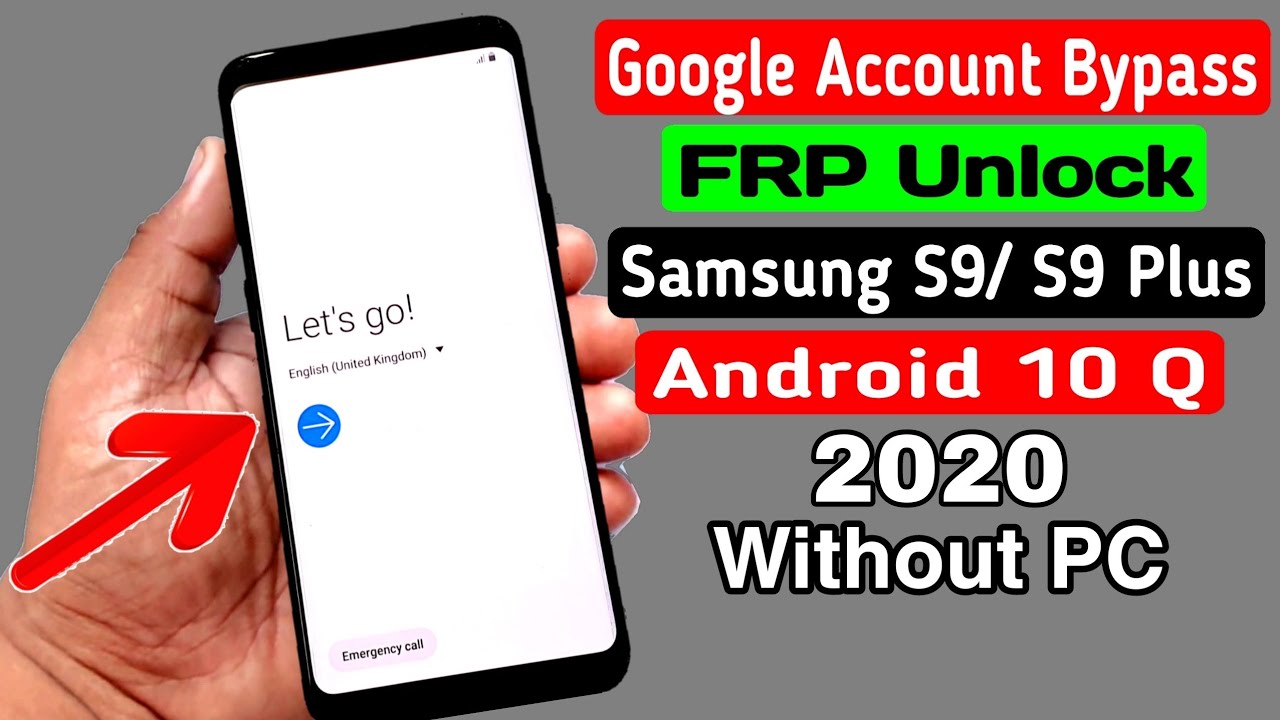
Samsung S9/ S9 Plus FRP Unlock/ Google Account Bypass 2020 || ANDROID 10 Q (Without PC)
Images related to the topicSamsung S9/ S9 Plus FRP Unlock/ Google Account Bypass 2020 || ANDROID 10 Q (Without PC)
How do I unlock my Android without Google verification?
- Turn off your Android phone by long-pressing the power button.
- Enter your Android device into recovery mode. …
- Use the volume keys to navigate to the Restore Factory Defaults option.
- Choose the Factory data reset option to delete all user data.
How do I remove a Google account from my Samsung phone after factory reset?
Go to settings on your device. Tap “Accounts” or “Google”. Find the account you want to delete and tap it. Tap “Remove Account”.
How do I delete previously synced Google Accounts on Android?
- Go to Settings> navigate to Accounts > This will give you a list of all the accounts synced you’re your device across the various social media. …
- Tap on the google account you want to remove > Tap Remove Account > Confirm by tapping Remove Account.
How do I bypass previous owner of Google?
- There is no easy way to bypass the previous owner of a Google account.
- If you know the email address and password for the account.
- You can try to log in and change the password.
- If you don’t know the information, the best option may be to create a new Google account.
How do you remove Google FRP lock on any phones free?
Download and Install the iToolab UnlockGo for Android on your computer. After successfully downloading software, open the tool on your device and click on the Remove Google Lock(FRP) option. Connect your device with your computer using a lightning USB cable. Click on the Start button to select your device OS version.
How do I delete a synced Google account?
- To delete a synced Google account, go to Settings > Accounts > Google > (account) > Remove account.
- To delete a synced Google account on Android, open the Settings app.
- Scroll down to Accounts and tap it.
- Now tap Google.
- Tap the account you want to delete, then tap Remove Account.
Does a factory reset delete everything Samsung?
Perform factory reset
When you do a factory reset on your Android device, it erases all the data on your device, and returns the phone back to its original out-of-the-box state as it was from the factory.
Boom!!! New Method!!! All Samsung Android 11 Remove Google Account, Bypass FRP.
Images related to the topicBoom!!! New Method!!! All Samsung Android 11 Remove Google Account, Bypass FRP.

What is the factory reset code for Samsung?
*2767*3855# – Samsung factory reset code. This resets to factory settings. It will wipe all of your data, custom settings and apps.
What does Bixby button do?
The dedicated Bixby button on the left is a handy way to call up Bixby. A short press on the Bixby button takes you to the Bixby main page. Press and hold the Bixby button to talk to Bixby in a natural way, like a friend. You can ask Bixby to tell you things such as the weather, or what your next appointment is.
Related searches
- bypass s9 plus
- S9 plus frp bypass
- how to bypass google lock on samsung galaxy s10e
- s9 frp bypass 2021
- frp bypass s9 android 10
- Samsung s10 plus frp bypass android 11
- how to bypass google lock on samsung
- s9 plus frp bypass
- how to bypass screen lock on galaxy s9
- samsung s10 plus frp bypass android 11
- S9+ frp bypass 2021
- how to bypass frp lock on samsung s9 plus
- how to bypass the google lock on a samsung phone
- bypass s9 plus android 10
- how to bypass phone lock on samsung
- Frp bypass s9 android 10
- frp s9 plus android 10
- Bypass S9 plus android 10
- how to bypass google account on samsung s9 plus
- Frp s9 plus android 10
- bypass samsung s9
Information related to the topic how to bypass google lock on samsung galaxy s9 plus
Here are the search results of the thread how to bypass google lock on samsung galaxy s9 plus from Bing. You can read more if you want.
You have just come across an article on the topic how to bypass google lock on samsung galaxy s9 plus. If you found this article useful, please share it. Thank you very much.