Let’s discuss the question: how to bypass google lock on samsung a11. We summarize all relevant answers in section Q&A of website Linksofstrathaven.com in category: Blog Finance. See more related questions in the comments below.

How do I bypass Google verification after reset?
- Connect Your Samsung Device with PC. Download UnlockGo from the official website of iToolab, then install it as the instructions provided. …
- Choose OS Version of Device. …
- Notify the Device Locked by Google Verification. …
- Bypass Google Verification After Factory Reset.
How do I remove a Google account from my Samsung A11?
- From a Home screen, swipe up to access the apps screen. These instructions only apply to the default Home screen layout .
- Navigate: Settings. …
- Select the appropriate Gmail address. Multiple accounts may appear.
- Tap. Remove account. …
- To confirm, review the notification then tap.
Samsung A11 Frp Bypass/Google Account Unlock Android 10 Q | Samsung A11 Frp Unlock New Security 2021
Images related to the topicSamsung A11 Frp Bypass/Google Account Unlock Android 10 Q | Samsung A11 Frp Unlock New Security 2021
How do I bypass Samsung Google account?
- Download Tenroshare 4uKey for Android on computer, choose the feature “Remove Google Lock(FRP)” after connecting your Samsung phone.
- Next screen will show your some notes, and you also need to choose your Samsung device system version manually.
How do I remove a Google account from my Samsung phone after factory reset?
Go to settings on your device. Tap “Accounts” or “Google”. Find the account you want to delete and tap it. Tap “Remove Account”.
How do you jailbreak a Samsung A11?
- First, you need to download your Galaxy A11 (SM-A115F) latest stock firmware.
- Extract the zip firmware files with 7zip or WinRAR.
- Now copy the AP file and paste your Galaxy A11 internal storage.
- Download & install latest Magisk App APK.
How do I factory reset my Samsung A11?
Press and hold the Volume Up key, then press and hold the Power key. When you see Samsung Galaxy A11, release the Power key but continue holding the Volume Up key. When you see the Android Recovery screen, release the Volume Up key. Press the Volume down key several times to highlight ‘wipe data / factory reset’.
How do I change my email on my Samsung Galaxy A11?
Menu icon > scroll to and select Settings > Add account > follow the prompts. 2. Select Add an email address, then select the desired email provider.
Samsung A11 Frp Unlock/Bypass Google Account Lock 2020 September
Images related to the topicSamsung A11 Frp Unlock/Bypass Google Account Lock 2020 September
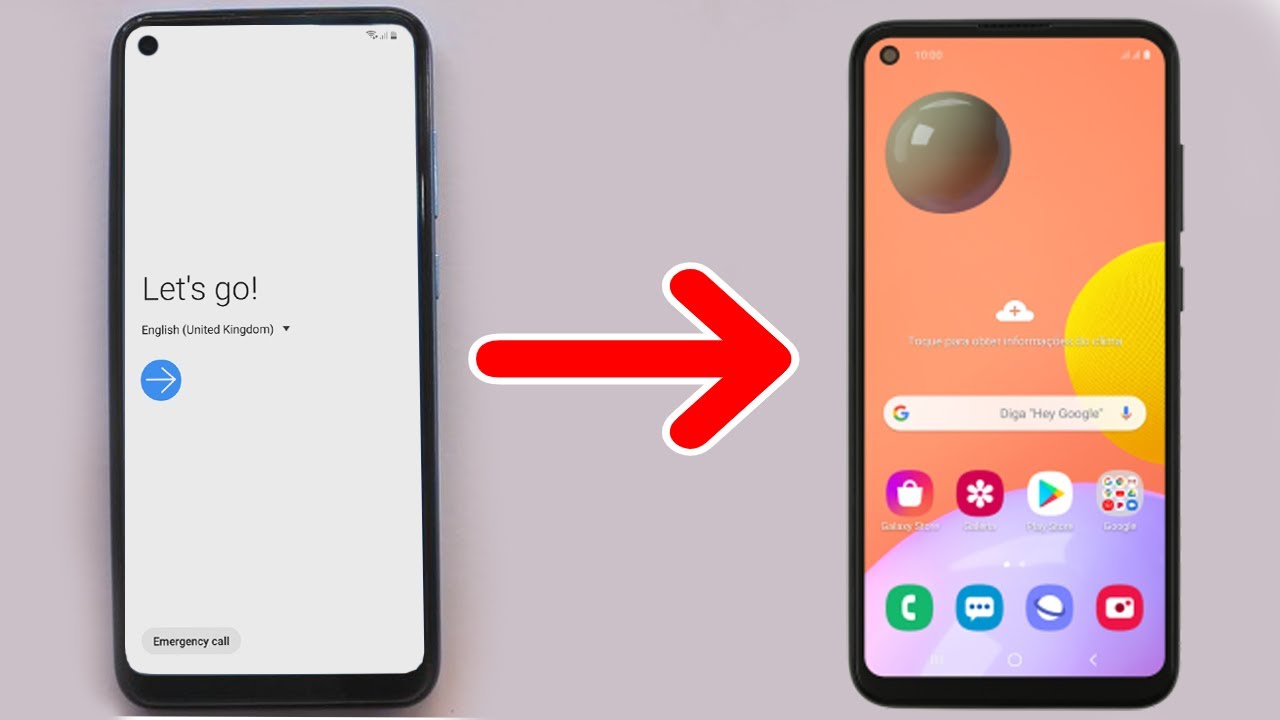
How do you get past a Google lock?
- Choose Bypass FRP Lock. …
- Connect your Device and Start. …
- Configuration File is Prepared for Bypassing FRP Lock. …
- Select Android System Version. …
- Wipe Cache Partition. …
- FRP Lock Bypass Successfully. …
- Recover Google Account Password by Sending Recovery Email.
How do I unlock my phone without a Google account?
- Turn off your Android phone by long-pressing the power button.
- Enter your Android device into recovery mode. …
- Use the volume keys to navigate to the Restore Factory Defaults option.
- Choose the Factory data reset option to delete all user data.
How do I bypass Google on my Android?
- Open Settings > Accounts > Google.
- Choose the Gmail account you intend to remove.
- At the upper right of your screen, press the three dots and tap on Remove account.
- Press OK to confirm.
How do I bypass pin lock on Samsung after factory reset?
To discover how to bypass the screen lock on a Samsung phone, you must first switch off your smartphone. Wait a few moments, then press and hold the Home, Volume Up, and Power keys at the same time for several seconds to boot it into recovery mode.
How do I remove someone else’s Google account from my phone?
- Open your phone’s Settings app.
- Tap Passwords & accounts. …
- Under “Accounts for,” tap the account you want to remove. …
- To confirm, tap Remove account. …
- If this is the only Google Account on the phone, you’ll need to enter your phone’s pattern, PIN, or password for security.
Final Solution 2022 | Samsung A11 Frp Bypass/Unlock Google Account Lock Android 12/11 | New Tool
Images related to the topicFinal Solution 2022 | Samsung A11 Frp Bypass/Unlock Google Account Lock Android 12/11 | New Tool

How do I delete a synced Google account?
- To delete a synced Google account, go to Settings > Accounts > Google > (account) > Remove account.
- To delete a synced Google account on Android, open the Settings app.
- Scroll down to Accounts and tap it.
- Now tap Google.
- Tap the account you want to delete, then tap Remove Account.
How do I delete previously synced Google Accounts on Android?
- Go to Settings> navigate to Accounts > This will give you a list of all the accounts synced you’re your device across the various social media. …
- Tap on the google account you want to remove > Tap Remove Account > Confirm by tapping Remove Account.
Related searches
- samsung a11 frp bypass with sd card
- how to bypass google account on samsung a11 without pc
- samsung a11 frp bypass apk
- samsung a11 google account bypass 2021
- how to bypass google account on samsung a11 after factory reset
- samsung a11 frp bypass with sim card
- samsung a11 frp bypass tool
- how to bypass google lock on samsung galaxy a11
- how to bypass lock screen on samsung a11
- bypass google lock on samsung a21
- how do i bypass google lock on samsung a11
- samsung a11 frp bypass 2021 no pc
Information related to the topic how to bypass google lock on samsung a11
Here are the search results of the thread how to bypass google lock on samsung a11 from Bing. You can read more if you want.
You have just come across an article on the topic how to bypass google lock on samsung a11. If you found this article useful, please share it. Thank you very much.